

Mkfs command in linux
In essence, a new hard drive or partition is a “blank slate” comprising unprocessed magnetic or electrical sectors. The operating system requires a structure to keep track of the beginning and ending of files in order to store them. mkfs is the command that creates this structure.
What is mkfs?
mkfs is an acronym for “Make File System.” This Linux/Unix system tool is used to format a particular disk or partition using a chosen file system (such as NTFS, XFS, or ext4).
A partition is only “raw space” that the OS cannot use to store data if mkfs is not operating. In Windows or macOS, running this command is the same as “formatting” a drive.
Also read about Unix Operating System: Features, Benefits, Drawbacks & Types
How It Works: The Formatting Process
The OS carries out a number of crucial background operations when you run a mkfs command:
Partition Selection: It is directed towards a certain block device, such as /dev/sdb1.
Metadata Creation: It makes room for the Superblock, which holds the settings and health of the file system, and the Inodes, which hold the locations and permissions of files.
Journal Initialization: It prevents data damage during power outages by creating a “journal” to record changes for contemporary file systems (such as ext4).
Verification: Before stating the file system is ready, it could check for “bad blocks” to make sure the media is in good condition.
Functions in the Operating System
Data Organization: It establishes the user-interaction hierarchy (directories and subdirectories).
Space Management: It controls the distribution of data by defining “blocks,” the smallest storage units.
Access Control: The basis for owner, group, and global permissions (Read/Write/Execute) is established by access control.
Recovery Preparation: In the event that the main header is corrupted, the OS can recover the disk to the creation of backup superblocks.
mkfs Types
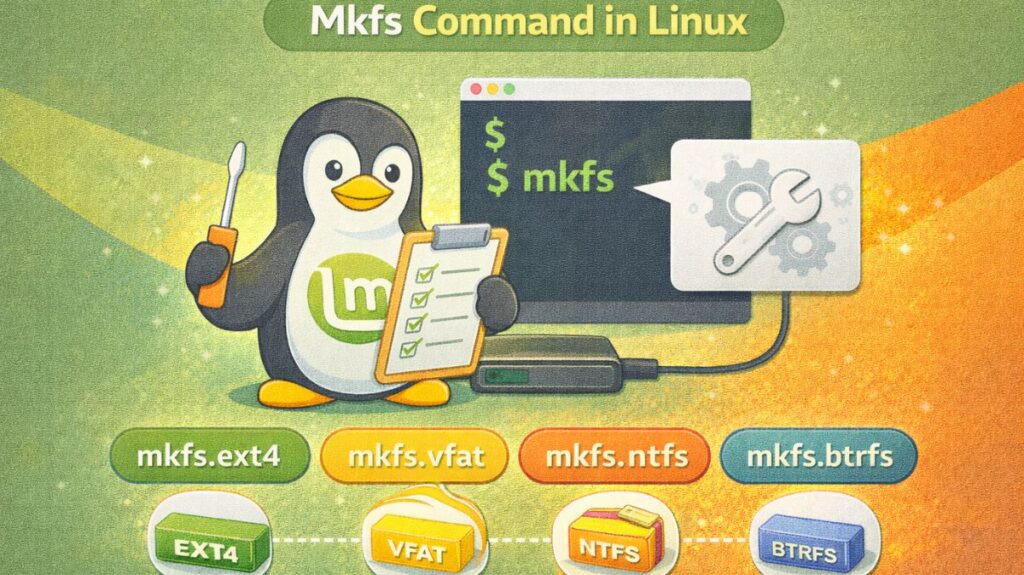
What the mkfs command does is “wrapper” or “frontend.” Depending on the file system type, it invokes a certain sub-command when you run it. Typical variants consist of:
mkfs.ext4: The most dependable and standard file system for the majority of Linux distributions is mkfs.ext4.
mkfs.xfs: High-performance file system designed for high-concurrency servers and huge files is called mkfs.xfs.
mkfs.vfat: Used to guarantee Windows/Mac compatibility for USB devices and EFI partitions.
mkfs.ntfs: When a Windows machine has to share the drive, mkfs.ntfs is used.
mkfs.btrfs: A contemporary “copy-on-write” file system with integrated RAID and snapshot features is called mkfs.btrfs.
mkfs is a wrapper for specific tools:
Advantages
- Clean Slate: It fixes a lot of logical software issues by deleting all existing data and structures.
- The disk can be optimized for certain purposes by passing flags to mkfs (e.g., specifying a lower block size for a drive that will carry millions of tiny text files).
- Cross-Platform Compatibility: You can make a Linux disk usable on any other operating system by selecting the appropriate
mkfstype.
Disadvantages
- Destructive Nature: Caution: The directory index of the target partition is immediately destroyed when mkfs is run. Data recovery following a format is very challenging and frequently unattainable.
- No “Undo”: The format command “ctrl+z” does not exist.
- Media Wear: Although it is rarely a problem for typical users, frequent formatting of SSDs or Flash drives can lead to the “wear” of the cells.
Basic Syntax
bash

mkfs -t <filesystem-type> <device>
Example:
bash

mkfs -t ext4 /dev/sdb1
This creates an ext4 file system on /dev/sdb1.
Advanced Concepts
Block Size Tuning
bash

mkfs.ext4 -b 4096 /dev/sdb1
Labeling
bash

mkfs.ext4 -L DATA /dev/sdb1
Bad Sector Scan
bash

mkfs.ext4 -c /dev/sdb1
Also read about Explain File Permissions In Linux & Ownership With Examples
Common mkfs Options
| Option | Purpose |
|---|---|
-t | Specify file system type |
-c | Check for bad blocks |
-L | Set volume label |
-n | Dry run (no changes) |
-v | Verbose output |
Real-World Use Cases
New Hard Disk
bash

mkfs.ext4 /dev/sdc1
USB Drive Formatting
bash

mkfs.vfat /dev/sdb1
Server Setup
Used during Linux installation to prepare:
/root partition/homepartition/varpartition
How to use it safely
- The standard syntax is:
sudo mkfs -t [type] [device] - Or the more common shortcut:
sudo mkfs.ext4 /dev/sdb1 - Always use
lsblkbefore runningmkfsto double-check that you aren’t about to format your primary OS drive!
mkfs vs format (Windows)
| mkfs | format |
|---|---|
| Linux command | Windows command |
| Supports many FS | Limited FS |
| More control | Basic |
| CLI only | CLI + GUI |
In conclusion
One of the most important disk management commands in Linux is mkfs. It transforms unstructured material into a file system that the operating system can effectively utilize. Despite its speed and power, it must be utilized very carefully because it might cause irreparable data loss.
mkfs is an essential tool for Linux users, system administrators, and DevOps engineers since it serves as the link between software file management and hardware storage in operating systems.
Also read about Basic Disk Management Commands In Linux With Examples