

We talked about Linux’s C Standard Library: What it is, Where it is, Commercial ecosystem and C Standard Library support, distributions that povide extended support, Installing and Updating the C Library, and C Standard Library Functions on Linux.
One of the most crucial elements of the Linux software ecosystem is the C Standard Library. Nearly all Linux programs rely on it, either directly or indirectly, whether they are desktop applications, server processes, or system utilities. Important building pieces including input/output processing, memory management, string operations, mathematical functions, and process control are all provided by the library. System administrators, embedded engineers, and developers can create dependable, portable, and effective software by knowing how Linux’s C Standard Library Functions.
What Is Linux’s C Standard Library?
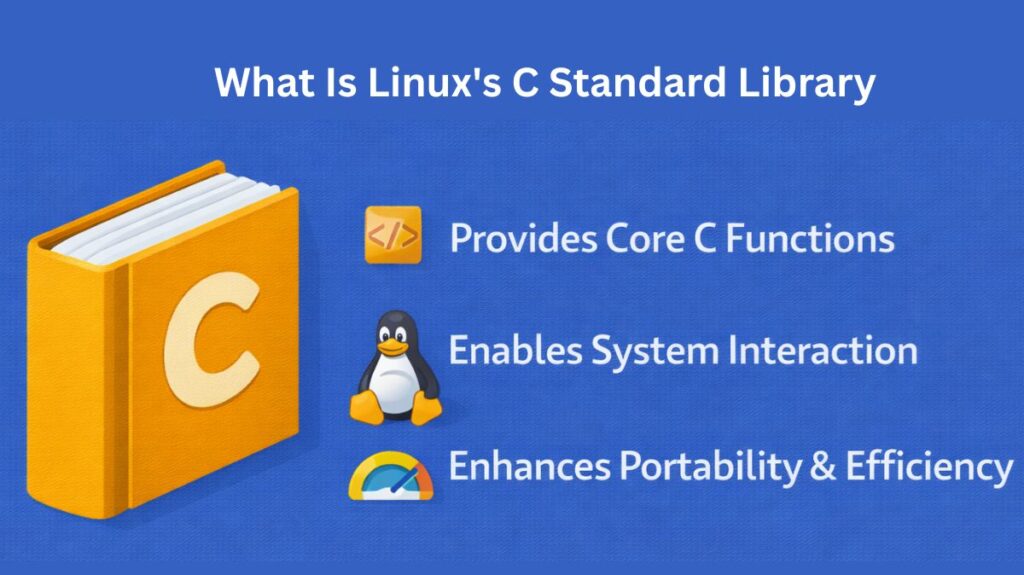
A group of precompiled functions that implement the standard C language requirements make up Linux’s C standard library. Programs written in C (and languages developed on top of C) can communicate with the operating system consistently to these functions. The GNU C Library, or glibc, is the most used implementation on Linux.
Applications and the Linux kernel are connected by glibc. Instead of addressing the kernel directly, a program often uses the C standard library to carry out tasks like opening a file, allocating memory, or starting a process.
Where is the C Standard Library Located?
The library files are located in the standard system directories on the majority of Linux distributions:
Header Files (.h): /usr/include/ contains them. /usr/include/stdio.h, for instance.
Shared Library (.so): The compiled binary is typically found at /lib/lib64/libc.so.6 or /lib/x86_64-linux-gnu/libc.so.6.
Static Library (.a): The static version of the library is often located at /usr/lib/x86_64-linux-gnu/libc.a if you need to bundle it into your application.
Alternative C Libraries for Performance
Despite being the default, glibc is frequently regarded as “heavy” for particular use cases. Developers usually replace it with alternatives:
- Alpine Linux and other lightweight distributions frequently use Musl libc. It works best in contexts with limited resources and static linking.
- uClibc-ng: Specifically made for low-RAM embedded Linux systems.
- Google created Bionic for Android; it has less “bloat” than glibc and is tailored for mobile hardware.
- To enhance multi-threaded speed, jemalloc and tcmalloc are “drop-in” substitutes for the memory allocation component (malloc).
Also Read About System Library In Linux: Definition, Types And Examples
C Standard Library Functions on Linux
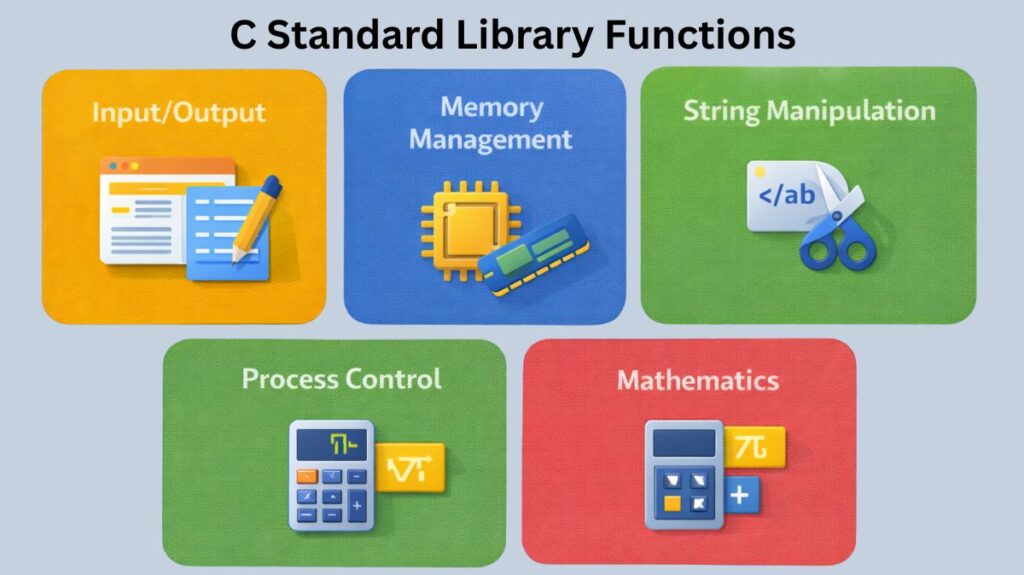
Input and output functions including file reading and writing, memory allocation functions for dynamic memory management, string manipulation functions, and mathematical calculations are some of the most commonly used functions offered by the C standard library. Additionally frequently utilized are functions for environment variable access, error handling, and process management. Programs utilising these standardised functions exhibit consistent behaviour across various Linux systems.
| Category | Common Functions |
| Input/Output | printf, scanf, fopen, fread, fprintf |
| Memory Management | malloc, calloc, realloc, free |
| String Manipulation | strlen, strcpy, strcat, strcmp, strstr |
| Process Control | exit, system, abort |
| Math | abs, pow, sqrt, sin, cos |
C Library Support and Commercial Ecosystem
Companies and Support
- Red Hat and GNU: Red Hat is a major donor to glibc’s upkeep.
- Commercial-grade, secure implementations of C-based libraries for certain Linux systems are offered by Codenomicon & WolfSSL.
- Cloud Platforms: Google Cloud, Azure, and AWS (Amazon Linux 2/2023) offer pre-configured Linux environments (AMIs/Images) with the C library tailored for their particular hypervisors.
Licensing
- Glibc: In accordance with the Lesser General Public License (LGPL). Proprietary apps can dynamically link to it, but modifications made to the library itself need to be shared.
- Musl: Subject to the MIT license, which is far more lenient when it comes to commercial use.
Distributions Offering Extended Support
Various Linux distributions place varying priorities on managing C libraries:
CentOS: This favoured option for enterprise servers where the C library environment needs to stay constant for years is due to its emphasis on long-term stability and dependability.
Fedora: Red Hat-sponsored Fedora is renowned for its inventiveness and regularly incorporates the most recent developments in GCC and GLC before switching to enterprise-grade systems.
Debian: Known for its technological prowess, this distribution guarantees the stability of the C library on a variety of hardware by supporting at least eight different CPU architectures.
Integrated Development Environments (IDEs)
Indexing the C library for autocomplete is supported by default in the majority of professional Linux IDEs:
- CLion: Great for cross-compilation and CMake-based projects.
- VS Code: In order to parse /usr/include, Microsoft requires the “C/C++” extension.
- Eclipse CDT: A powerful tool for Linux programming on embedded systems.
How to Install and Update the C Library
Installing the C Library (The Development Kit)
The development headers (the.h files) are required to write and construct C programs. The majority of Linux users install a “meta-package” that contains the compiler (GCC) and library headers.
On Ubuntu/Debian/Mint:
sudo apt update
sudo apt install build-essential
The build-essential package includes glibc headers, the GCC compiler, and the make utility.
On Fedora/CentOS/RHEL:
sudo dnf groupinstall "Development Tools"On Arch Linux:
sudo pacman -S base-develUpdating the C Library
Since practically every operation on your system depends on the C library, updating it is delicate. It’s preferable to let the package manager on your system handle any updates that are published.
Command for Standard Updates
To find and install the most recent version compatible with your operating system version:
- Ubuntu/Debian:
sudo apt upgrade libc6 - Fedora:
sudo dnf update glibc - Arch:
sudo pacman -Syu(this is the safest way to update the entire system on Arch).
[!CAUTION] Caution on “Manual” Updates: Unless you are an expert (e.g., developing Linux From Scratch), do not attempt to manually construct and rewrite your system’s glibc from source. This can “brick” your system, preventing it from starting up or even executing simple operations like ls.
Verifying Your Version
Use the ldd command to find out which version of the C standard library you are presently using:
ldd --version
Output Example: ldd (GNU libc) 2.35– This tells you that you are running version 2.35 of the GNU C Library.
Also Read About What Is Ext4 File System In Linux? Features And Advantages