

Role of Shell in Linux Architecture

The shell is the operating system’s outermost layer in the Linux hierarchy. Like a nut’s actual shell, it envelops the kernel.
Hardware: The actual CPU, RAM, and disk make up the hardware. Only binary (0s and 1s) are understood by these.
Kernel: The OS’s “brain” is the kernel. Although it controls the hardware, it is quite difficult to communicate with directly. It handles things like scheduling processes and managing memory.
Shell: The interpreter is the shell. It offers a setting in which commands can be entered. After verifying your text-based instructions, it converts them into “system calls” that the kernel can comprehend.
Also Read About What Is Linux Kernel? Why It Is Important And Its Components
Shell as an Interface: User vs. Kernel
One “privileged” area is the kernel. Users are not permitted to directly touch the kernel for security and stability reasons because doing so could cause the system to crash or delete the hard drive.
The protective interface is the shell:
Command Interpretation: The shell does more than simply execute the command when you type ls. It starts by searching your system’s files (the PATH) for the program ls.
Requesting Resources: When resources are located, the shell instructs the kernel, “Please start a process for ‘ls’ and give it access to the file system.”
Communication: The kernel delivers the data back to the shell after completing the hardware operation (reading the disk). After that, the shell transforms the data into a list that you can view on your computer.
History of Unix and Linux Shells
The history of shell evolution reflects efforts to make computers more “human-friendly.”
Early Days (1970s)
- Thompson Shell (sh) – 1971: Ken Thompson developed the first Unix shell, known as the Thompson Shell (sh), in 1971. Even basic “if/then” logic was beyond the capabilities of this groundbreaking yet incredibly rudimentary system.
- Bourne Shell (sh) – 1977: Stephen Bourne invented the Bourne Shell (sh) in 1977 at Bell Laboratories. This is known as the “Father of all shells.” It brought loops, variables, and scripting capabilities. Its grammar is the foundation of almost all contemporary shells.
The Competition (1980s)
C Shell (csh): Bill Joy, who also designed the vi editor, is credited with creating C Shell (csh). It was popular among developers because it employed syntax close to that of the C programming language.
Korn Shell (ksh): David Korn desired the best of all worlds, according to Korn Shell (ksh). He combined the interactive capabilities of the C shell with the strength of the Bourne shell. For powerful professional Unix systems, it became the norm.
The Open Source Era (1989 – Present)
Bash (Bourne Again Shell) – 1989: In 1989, Brian Fox created Bash (Bourne Again Shell), a free substitute for the proprietary Bourne shell, for the GNU Project. It became the default Linux shell due to its open-source nature.
Zsh (Z Shell) – 1990: 1990 saw the release of Zsh (Z Shell), a Bash extension with significant enhancements to auto-completion and customisation. Power users like it, and it is now the default on macOS.
Also Read About What Is A Linux Shell? And Different Types Of Shell In Linux
| Shell | Creator | Major Contribution |
| Bourne (sh) | Stephen Bourne | Scripting (loops, variables) |
| Csh | Bill Joy | History and Aliases |
| Ksh | David Korn | Performance and advanced math |
| Bash | Brian Fox | Universal standard for Linux |
Terminal, Shell and Kernel
Despite their frequent interchangeability, they stand for different architectural levels.
The Terminal (The Interface)
A application that enables text-based input and output is called the Terminal (The Interface). This was a physical device (a “teletype”) in the past. These days, it’s a software window (such as iTerm2 or GNOME Terminal). It simply records your keystrokes and shows characters; it doesn’t “know” what ls or cd represent.
The Shell (The Interpreter)
The application that operates within the terminal is called the Shell (The Interpreter). The “brain” is responsible for comprehending commands. The shell decodes the word “mkdir,” determines its validity, and then requests that the kernel create the directory.
The Kernel (The Core)
The core of the operating system is the kernel, sometimes known as the core. It communicates with the hardware directly. Memory, CPU cycles, and disk storage are its domains; neither “English” nor “Bash” are spoken.
Terminal vs Shell vs Kernel
| Feature | Terminal (Emulator) | Shell (Interpreter) | Kernel (The Core) |
| Primary Role | The Visual Interface for text input and output. | The Command Interpreter that understands logic. | The Resource Manager that talks to hardware. |
| Location | User Space (a GUI application). | User Space (a program running inside the terminal). | Kernel Space (the protected heart of the OS). |
| Analogy | The physical telephone. | The language spoken on the phone. | The phone network connecting the calls. |
| Responsibilities | Handling keyboard input, fonts, colors, and window sizing. | Parsing syntax, managing variables, loops, and history. | Managing RAM, CPU, disk storage, and security permissions. |
| Examples | GNOME Terminal, iTerm2, PuTTY, xterm. | Bash, Zsh, Fish, PowerShell. | Linux Kernel 6.1, Windows NT, XNU (macOS). |
| Visibility | Completely visible (it is the window you see). | Partially visible (you see its prompt like $). | Completely invisible (works in the background). |
Kernel: Overview and Responsibilities
When you turn on your computer, the kernel is the first program that loads into memory. It doesn’t shut down until you do.
Its main duties consist of:
- Process Management: Choosing which software gets to use the CPU and for how long is known as process management.
- Memory management: It is the process of monitoring which RAM segment is being used by which application to prevent collisions.
- Device management: It is the process of using “Device Drivers” to serve as a bridge between hardware, such as printers, keyboards, and GPUs.
- System calls: It give programs a safe mechanism to ask the hardware for “favors” (such as accessing a file).
Also Read About Linux Architecture Layers: Kernel, Shell, And Hardware
How Terminal Emulators Work
It also now use Terminal Emulators instead of actual hardware terminals. They make advantage of a kernel feature known as a pseudo-terminal (PTY).
- PTY Master/Slave: The kernel requests a PTY pair when a terminal is opened.
- The Master: The Terminal Emulator window is located on this side. It watches for events on your keyboard.
- The Slave: The Shell is attached to this side.
- The Communication: The Terminal (Master) transmits the byte “A” to the PTY Slave as you type it. After reading data from the Slave and processing it, the Shell relays the outcome to the Master via the Slave so that it can be displayed on your screen.
Login Shell vs Non-Login Shell
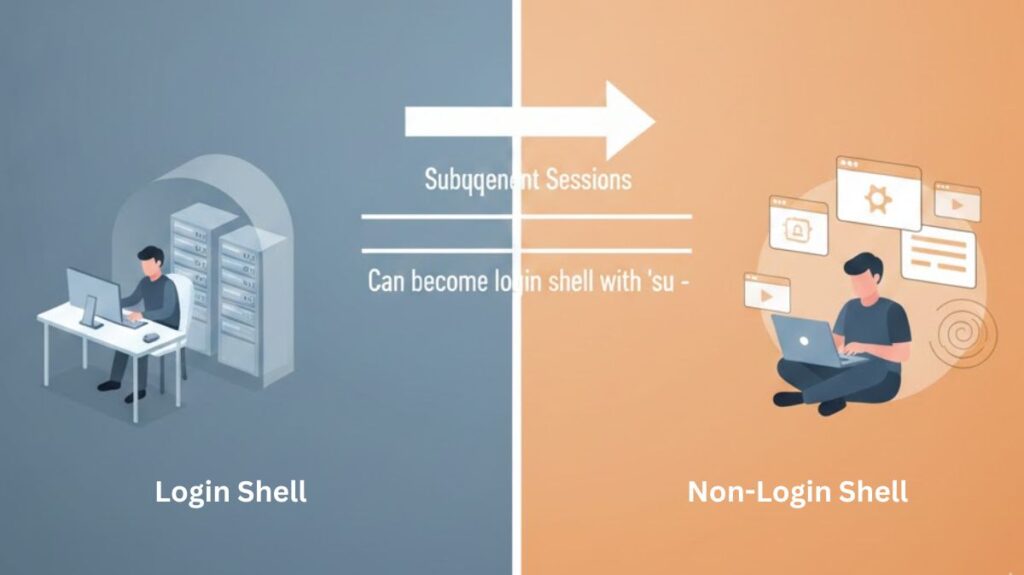
The main difference is how the shell starts and which configuration files it reads.
| Feature | Login Shell | Non-Login Shell |
| When it starts | When you first log in (SSH, or via su -) | When you open a new tab/window in your GUI terminal. |
| Files Sourced | /etc/profile, ~/.bash_profile | ~/.bashrc |
| Purpose | One-time environment setup (PATH, timezones). | Session-specific aliases and prompt styles. |
Check your current shell: Type echo $0. If the output starts with a dash (e.g., -bash), you are in a Login Shell.
Also Read About What Is Linux? A Brief History And Evolution Of Linux