

Shell and environment variables in linux
The shell in Linux serves as a conduit between the operating system and the user. The shell makes extensive use of variables to effectively control user preferences and system behavior. These variables hold data like runtime values, system paths, and user preferences. Effective command-line use and shell scripting require an understanding of how shell and environment variables function.
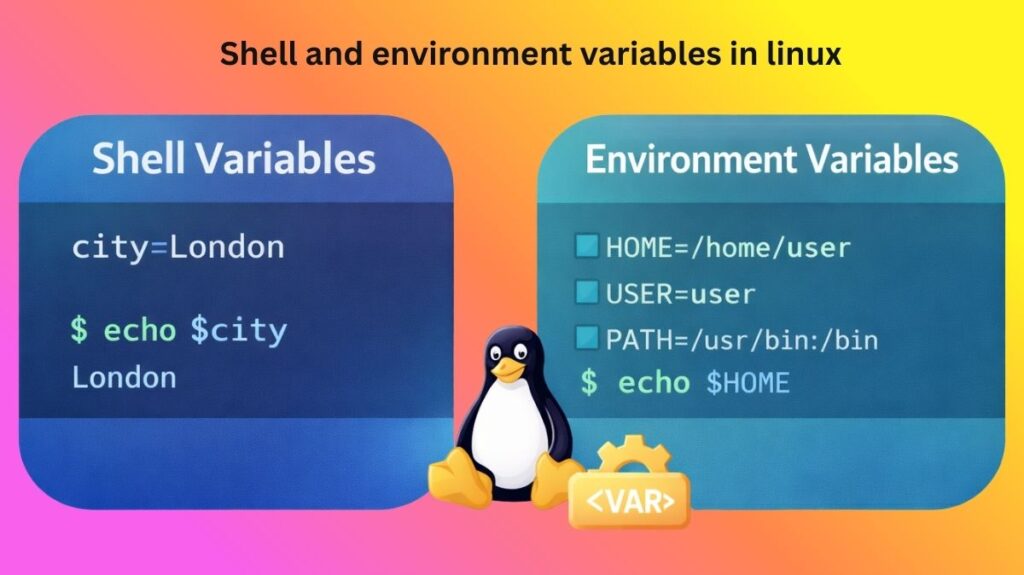
Local Variables
One shell session is utilized to create and utilize local variables. They are exclusive to the shell in which they are specified and are not shared with other shells or child processes. These variables are frequently used to hold temporary values required for scripting logic or command execution.
Without the use of a specific keyword, a local variable is defined by explicitly assigning a value to a name. It can be accessed within the same shell after it has been defined. However, the local variable won’t be accessible there if a script is run or a new shell is launched. When the stored data is needed for a brief period of time and does not need to interfere with other programs or shell sessions, local variables can be helpful.
- You define them using the syntax
VARIABLE_NAME=value.
- Access: To view the value, use the
$prefix:echo $VARIABLE_NAME.
- Standard Practice: Local variables are typically written in lowercase by convention to distinguish them from global environment variables.
Also Read About How To Use Shell Command In Linux & Basic Shell Commands
Environment Variables
Environment variables are unique variables that are accessible throughout the system or during several shell sessions. They are inherited by child processes that are created from the shell, in contrast to local variables. Because of this, environment variables are crucial for providing programs and scripts with configuration data.
The default editor, user home directory, and executable file search paths are just a few examples of how these variables frequently specify system behavior. The operating system and installed software make extensive use of environment variables because they affect how programs operate. Shell commands can be used to see environment variables, many of which are set automatically at system startup or user login.
Exporting Variables
The process of changing a local variable into an environment variable is called exporting. All child processes that are generated from the current shell can access a variable that has been exported. Because shell scripts may call other programs that rely on certain variables, this is very crucial. The shell guarantees that a variable’s value is available outside of the current session scope by exporting it. Exporting variables helps ensure consistency between processes by allowing the shell and the applications it launches to share data in a controlled manner.
To turn a local variable into an environment variable, you use the export command. This “promotes” the variable so that external programs can see it.
Bash
MY_CITY="New York"      # Local variable
export MY_CITY          # Now an environment variable
Alternatively, you can define and export in one line: export API_KEY="12345-ABC"
Common Environment Variables
Many common environment variables that are essential to system functioning are defined by Linux systems. The user’s login name, home directory, current shell, and command search paths are a few often used environment variables. Variables that identify executable search sites, for instance, guarantee that commands can be executed without requiring complete routes. Others specify session identifiers, terminal kinds, or preferred languages.
Users can better resolve system faults and tailor their workspace by being aware of these frequent variables. The system relies on several predefined variables to function correctly.
| Variable | Purpose |
$PATH | A colon-separated list of directories where the shell looks for executable files. |
$HOME | The path to the current user’s home directory. |
$USER | The username of the person currently logged in. |
$SHELL | The path to the current shell binary (e.g., /bin/bash). |
$PWD | The “Present Working Directory” you are currently in. |
$EDITOR | The default text editor used by the system (e.g., vim or nano). |
Also Read About Role Of Shell In Linux And Kernel vs Shell vs Terminal
Shell Initialization Files
Configuration files known as shell initialization files are launched automatically when a shell starts. These files are in charge of configuring the user’s environment, variables, aliases, and functions.
Initialization files are used differently by different shells. Some run when opening a new shell, while others are launched when a user logs in. To guarantee consistent settings over sessions, these files frequently include export commands and definitions for environment variables. Users can alter prompts, define startup behavior, and permanently configure environment variables for their shell environment by modifying shell initialization files.
Shell variables vs environment variables
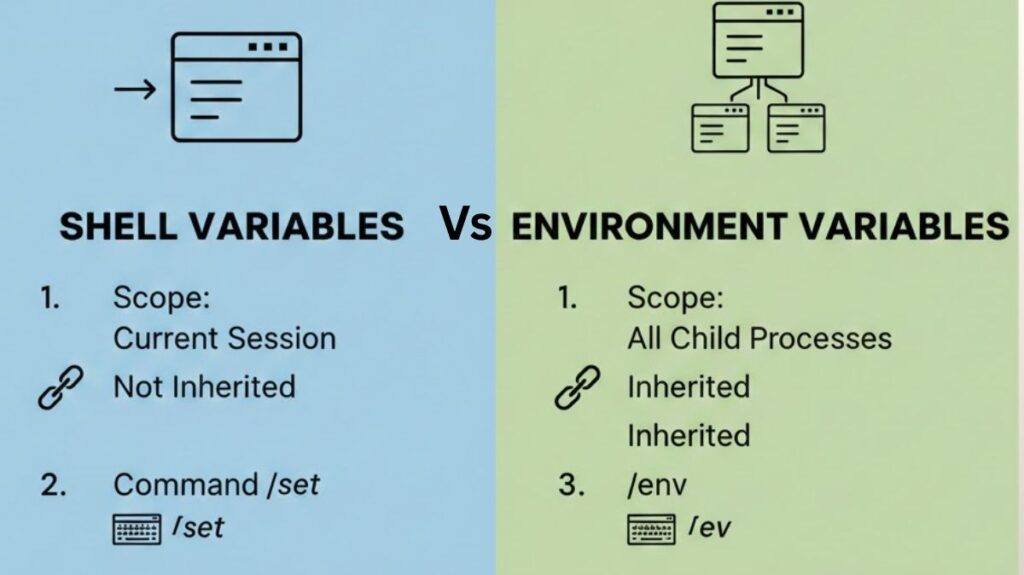
| Feature | Shell Variables (Local) | Environment Variables (Global) |
| Scope | Restricted to the current shell session. | Available to the shell and all child processes. |
| Inheritance | Not inherited by sub-shells or scripts. | Inherited by any child process or script started from that shell. |
| Definition | VARNAME=value | export VARNAME=value |
| Naming Convention | Usually lowercase (e.g., my_var). | Usually uppercase (e.g., PATH, HOME). |
| Command to List | set (lists all variables and functions). | env or printenv (lists only exported variables). |
| Flexibility | Can store strings, integers, and arrays. | Generally limited to string representations. |
| Primary Use | Ephemeral data, loop counters, local script logic. | System configuration, search paths, user preferences. |
In conclusion
Linux’s management of user sessions and program execution is based on shell and environment variables. While environment variables permit information to move between processes, local variables offer temporary storage inside a shell. Shell initialization files guarantee that crucial variables are initialized automatically, while exporting variables fills the gap between the two. Gaining proficiency with these ideas enhances control, efficiency, and flexibility in the Linux command-line environment.
Also Read About Explain Different Types Of Linux Shells In Operating System