

What is Kubernetes on Linux?
Kubernetes, or K8s, is the “Operating System of the Cloud” as of 2026. Docker enables you to bundle an application into a container, but Kubernetes is the engine that oversees thousands of those containers throughout a cluster of servers, making sure they continue to function, scale up during periods of high traffic, and update without interruption.
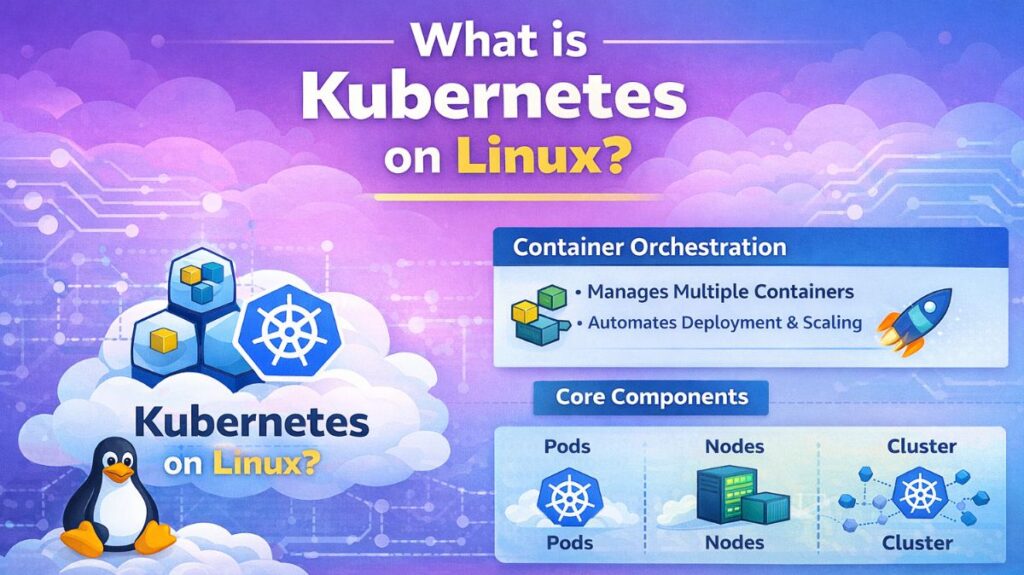
What is Kubernetes?
The container orchestration framework Kubernetes is open-source. The Cloud Native Computing Foundation (CNCF) is currently in charge of maintaining it, although Google initially built it (based on their internal system “Borg”).
If a container is a solo musician, Kubernetes is the conductor of the whole orchestra, ensuring that each member plays their role at the appropriate moment.
How it Works (The Architecture)
The Desired State paradigm underpins Kubernetes. When you tell Kubernetes, “I want 3 copies of my web server running,” it continuously checks the cluster to make sure that’s the case. It immediately launches a fresh container on a healthy server in the event that one server crashes.
Also read about What is Docker in Linux? Installation, Commands & Use Cases
Key Components
- The Control Plane, sometimes known as “The Brain,” is responsible for cluster management, container scheduling, and API requests.
- The physical or virtual machines that actually operate the containers are called nodes, or the workers.
- The smallest K8 unit is a pod. A pod is a container or containers wrapped in a wrapper.
- Kubelet: An agent that makes sure containers are operating in the Pods by executing on every Node.
Key Features
- Self-Healing: K8s restarts a container if it malfunctions. K8s transfers the containers to another Node in the event that a Node dies.
- Auto-Scaling: Increases the number of containers automatically when CPU utilization reaches a predetermined threshold.
- Service Discovery & Load Balancing: Gives containers IP addresses and a DNS name.
- Automated Rollouts & Rollbacks: One container at a time, automated rollouts and rollbacks update your app’s code to guarantee no downtime.
- Storage Orchestration: Automatically mounts storage devices to containers, such as local SSDs or AWS EBS.
Use Cases
- High-Availability Web Apps: Making sure a website remains operational even in the event of a hardware malfunction in a data center.
- Microservices: Overseeing hundreds of tiny, interconnected services (such as the architecture of Netflix or Spotify).
- Big Data Processing: Conducting intricate data analysis tasks concurrently on multiple machines.
- Using the same configuration both on-site and in the public cloud (AWS/Azure/GCP) is known as hybrid cloud computing.
Types of Kubernetes Environments
- Google GKE, Azure AKS, and AWS EKS are managed (cloud). The “Brain” is managed for you by the cloud provider.
- Self-managed: Use Kubeadm to install K8s on your own bare-metal servers.
- Local Development:
- Minikube: Your laptop can run a single-node cluster for local development.
- Kubernetes in Docker: K8s nodes are run as Docker containers.
- K3s: An IoT and edge computing-specific, lightweight variant of K8s.
Essential Tools
- kubectl: The CLI kubectl may access the Kubernetes cluster.
- Helm: Kubernetes’ “Package Manager” (
aptfor Ubuntu). - Lens: An effective visual cluster management graphical dashboard (IDE).
- Dashboard: The official Kubernetes web user interface is called Dashboard.
Also read about Archiving And Compression In Linux With Practical Examples
Linux Kubernetes commands
To manage Kubernetes, you primarily use the kubectl command.
A. Inspecting the Cluster
- List all nodes:
kubectl get nodes - List all running pods:
kubectl get pods - Get detailed info about a pod:
kubectl describe pod [pod_name]
B. Running and Scaling
- Create a deployment (Run an app):
kubectl create deployment my-web --image=nginx - Scale to 5 copies:
kubectl scale deployment/my-web --replicas=5 - Expose the app to the internet:
kubectl expose deployment my-web --type=LoadBalancer --port=80
C. Maintenance & Logs
- View logs of a container:
kubectl logs [pod_name] - Execute a command inside a pod:
kubectl exec -it [pod_name] -- /bin/bash - Delete a resource:
kubectl delete pod [pod_name]
What is Kubernetes vs Docker?
| Feature | Docker | Kubernetes |
| Focus | Building and running 1 container. | Managing many containers across many servers. |
| Scaling | Manual. | Automatic (HPA). |
| Self-Healing | No. | Yes (Auto-restarts). |
| Network | Basic bridging. | Complex service discovery. |
Also read about Linux Containers vs Virtual Machines The Core Differences
How to install Kubernetes on Linux
In 2026, it has gotten easier to install Kubernetes (K8s) on Linux. Kubeadm is the industry standard for a typical production-ready configuration on a local server or VPS. The necessity of configuring the control plane and connecting worker nodes is automated.
The Ubuntu/Debian step-by-step method is provided below, although the reasoning is the same for other distributions.
Preparation (On all Nodes)
Kubernetes requires specific system configurations to manage networking and memory correctly.
Disable Swap: Kubernetes cannot manage resources properly if swap is active.
bash

sudo swapoff -a
# To make it permanent, comment out the 'swap' line in /etc/fstab
sudo sed -i '/ swap / s/^\(.*\)$/#\1/g' /etc/fstab
Enable IPv4 Forwarding:
bash

cat <<EOF | sudo tee /etc/modules-load.d/k8s.conf
overlay
br_netfilter
EOF

sudo modprobe overlay
sudo modprobe br_netfilter

# sysctl params required by setup, params persist across reboots
cat <<EOF | sudo tee /etc/sysctl.d/k8s.conf
net.bridge.bridge-nf-call-iptables  = 1
net.bridge.bridge-nf-call-ip6tables = 1
net.ipv4.ip_forward                 = 1
EOF

# Apply sysctl params without reboot
sudo sysctl --system
Install Container Runtime (containerd)
Kubernetes no longer uses Docker directly; it uses a “CRI” (Container Runtime Interface) like containerd.
bash

sudo apt update
sudo apt install -y containerd
sudo mkdir -p /etc/containerd
containerd config default | sudo tee /etc/containerd/config.toml > /dev/null
sudo sed -i 's/SystemdCgroup = false/SystemdCgroup = true/g' /etc/containerd/config.toml
sudo systemctl restart containerd
Also read about What Is A Linux Container? How Do Containers Work On Linux?
Install Kubernetes Tools
You need three main packages:
- kubeadm: The command to bootstrap the cluster.
- kubelet: The “agent” that runs on every node.
- kubectl: The command-line tool you use to talk to the cluster.
bash

sudo apt update
sudo apt install -y apt-transport-https ca-certificates curl gpg

# Add the Kubernetes repository
curl -fsSL https://pkgs.k8s.io/core:/stable:/v1.30/deb/Release.key | sudo gpg --dearmor -o /etc/apt/keyrings/kubernetes-apt-keyring.gpg
echo 'deb [signed-by=/etc/apt/keyrings/kubernetes-apt-keyring.gpg] https://pkgs.k8s.io/core:/stable:/v1.30/deb/ /' | sudo tee /etc/apt/sources.list.d/kubernetes.list

sudo apt update
sudo apt install -y kubelet kubeadm kubectl
sudo apt-mark hold kubelet kubeadm kubectl
Initialize the Cluster (Control Plane Only)
Run this command only on the machine intended to be the Master Node.
bash

sudo kubeadm init --pod-network-cidr=192.168.0.0/16
Once finished, it will provide a kubeadm join command. Copy this; you will need it to add worker nodes later.
Set up local access for kubectl:
bash

mkdir -p $HOME/.kube
sudo cp -i /etc/kubernetes/admin.conf $HOME/.kube/config
sudo chown $(id -u):$(id -g) $HOME/.kube/config
Install a Pod Network (CNI)
Containers cannot talk to each other across nodes without a Network Interface. Calico is a popular choice.
bash

kubectl create -f https://raw.githubusercontent.com/projectcalico/calico/v3.27.0/manifests/tigera-operator.yaml
kubectl create -f https://raw.githubusercontent.com/projectcalico/calico/v3.27.0/manifests/custom-resources.yaml
Verification
Check that your node is “Ready”:
bash

kubectl get nodes
Summary of Quick Install Methods
| Method | Best For | Complexity |
| Kubeadm | Production / Learning Architecture | Medium |
| K3s | Edge / IoT / Low-resource servers | Very Low |
| Minikube | Local development on a laptop | Low |
| Kind | Testing K8s inside Docker containers | Low |
Also read about What is Text Processing in Linux? & Commands With Examples