

Linux provides powerful networking commands to configure, test, monitor, and troubleshoot networks. These commands are essential for system administrators, DevOps engineers, and anyone preparing for Linux interviews.
Networking commands in linux with examples
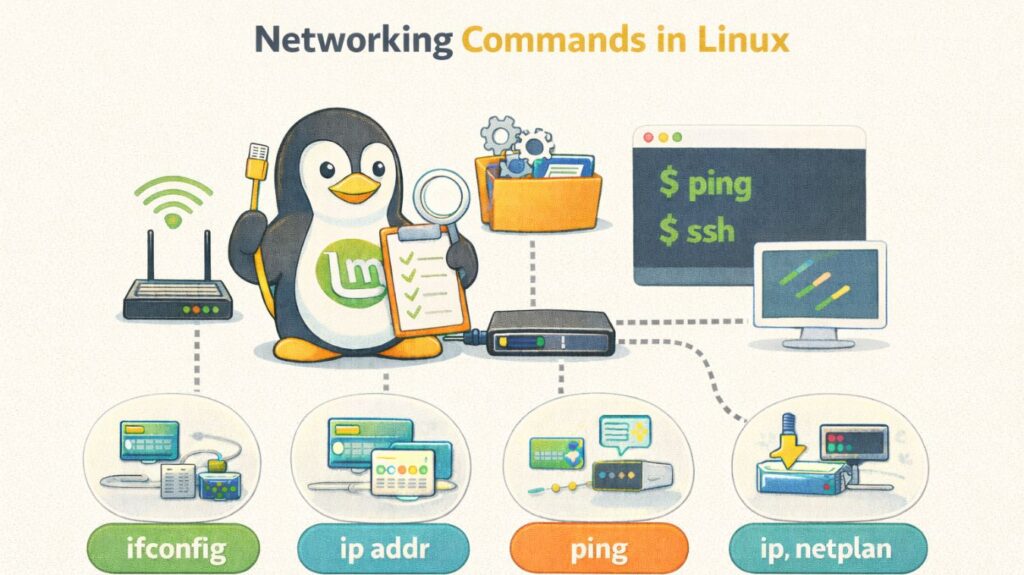
ip – Modern Network Configuration Tool
Used to view and manage network interfaces, IP addresses, and routes.
Show IP address
bash

ip a
Show routing table
bash

ip route
Bring interface up/down
bash

sudo ip link set eth0 up
sudo ip link set eth0 down
ifconfig – Legacy Interface Tool
(Deprecated but still used)
View interfaces
bash

ifconfig
Assign IP address
bash

sudo ifconfig eth0 192.168.1.100
ping – Check Network Connectivity
Tests if a host is reachable.
bash

ping google.com
ping 8.8.8.8
traceroute – Track Network Path
Shows the route packets take.
bash

traceroute google.com
ss – Socket Statistics (Modern netstat)
Show all listening ports
bash

ss -l
Show TCP connections
bash

ss -t
Also read about Networking in Linux: Types, Advantages, and Disadvantages
netstat – Network Statistics (Legacy)
bash

netstat -tulnp
Shows:
- Open ports
- Listening services
- PIDs
nmcli – NetworkManager CLI
Used on modern desktops/servers.
Show connections
bash

nmcli con show
Connect to Wi-Fi
bash

nmcli dev wifi connect "MyWiFi" password "12345678"
iwctl – Wireless Control (Arch-based)
bash

iwctl
station wlan0 scan
station wlan0 connect MyWiFi
hostname – Show or Set Hostname
bash

hostname
hostnamectl set-hostname server1
curl – Test Web Services
bash

curl https://example.com
wget – Download from Network
bash

wget https://example.com/file.zip
scp – Secure File Transfer
bash

scp file.txt user@192.168.1.10:/home/user/
ssh – Remote Login
bash

ssh user@192.168.1.10
nslookup – DNS Lookup
bash

nslookup google.com
Also read about How To Configure Network In Linux Command Line for Beginners
dig – Advanced DNS Query
bash

dig google.com
tcpdump – Packet Analyzer
bash

sudo tcpdump -i eth0
nmap – Network Scanner
bash

nmap 192.168.1.1
Scans open ports.
ethtool – NIC Info
bash

ethtool eth0
arp – ARP Table
bash

arp -a
route – Routing Table (Legacy)
bash

route -n
Most Important Commands for Interviews
| Command | Purpose |
|---|---|
| ip a | Show IP |
| ping | Connectivity |
| ss | Ports |
| netstat | Connections |
| traceroute | Path |
| nmcli | Network config |
| ssh | Remote login |
| scp | File transfer |
| curl | Web test |
| nmap | Scan |
Real-World Scenarios
Check internet:
bash

ping 8.8.8.8
Find open ports:
bash

ss -tulnp
Copy file to server:
bash

scp backup.tar user@server:/data/
Troubleshoot DNS:
bash

dig google.com
Also read about What Is Network Security & Why Network Security is Important
Advanced linux networking
Beyond basic IP addresses, advanced Linux networking encompasses high-performance packet processing, sophisticated traffic control, and Software-Defined Networking (SDN). At this point, Linux behaves more like a top-tier enterprise router or data center switch than a computer.
Network Namespaces (The Foundation of Containers)
You can make separate replicas of the network stack using network namespaces. This is the “magic” that enables a Docker container to be entirely independent of the host and have its own IP address and routing table.
- A virtual “patch cable” that connects two namespaces is represented by virtual Ethernet (veth) pairs. The two ends are positioned in the host’s bridge and the container, respectively.
- Command:
ip netns add [name]
Advanced Routing with IPRoute2
Basic routing manages “Destination A to Gateway B,” but advanced routing makes use of Policy-Based Routing (PBR). This lets you route traffic according to a user’s IP address, the kind of traffic (port), or even the source IP.
- Multiple Routing Tables: With multi-WAN configurations, you can have separate tables for several ISPs.
- Routing Rules: You can instruct Linux to use the VPN if traffic originates from the Accounting department and the conventional fiber otherwise by using an IP rule.
Quality of Service (QoS) and Traffic Control (TC)
TC is the name of the “Traffic Control” system that comes with Linux. Traffic may be shaped, scheduled, and prioritized with its help.
- Queuing Disciplines (qdisc): To evaluate how applications perform in challenging environments, you might mimic packet loss or network lag (latency).
- You can limit the bandwidth required for a Zoom call so that a background backup activity doesn’t “choke” it.
Bonding and Bridging
- Combining two physical network cards into a single logical interface is known as bonding (link aggregation). This offers higher throughput and redundancy (the link remains intact even if one cable breaks).
- Bridging is the process of turning a Linux computer into a network switch. For virtual machine environments (KVM/QEMU), this is necessary in order for VMs to show up on the local network as actual devices.
BPF and XDP (The High-Speed Frontier)
You may run code inside the Linux kernel without altering the kernel source code to a ground-breaking technology called eBPF (Extended Berkeley Packet Filter).
Packet processing at the lowest level directly at the network driver is made feasible by XDP (eXpress Data Path). Millions of malicious packets can be dropped by the system every second before they even reach the main operating system when it is utilized for DDoS prevention.
Overlay Networks (VXLAN)
It frequently need to extend a local network over several physical sites in contemporary data centers. Layer 2 Ethernet frames are encapsulated into Layer 3 UDP packets via VXLAN (Virtual Extensible LAN). As a result, “Virtual Machine A” in New York can believe that it is connected to the same local switch as “Virtual Machine B” in London.
Also read about Network Switching: How Switches Connect For Device Networks